
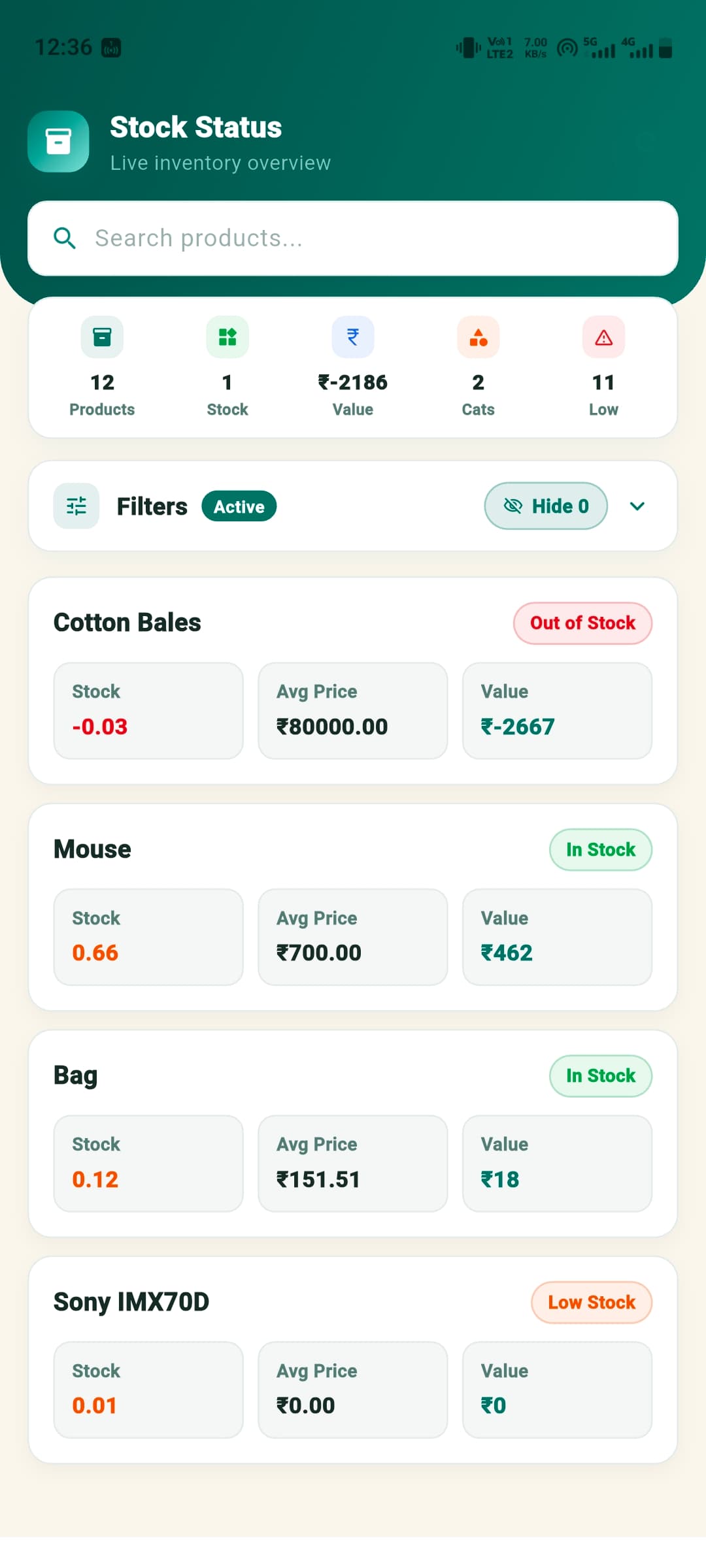
Screen 01
Stock Status
Review live stock health, availability, low-stock indicators, and item status from one focused screen.
VauPrime Lite brings advanced stock control into a simple mobile-first workflow, covering batches, FIFO, adjustments, warehouse movement, budgets, and alerts.
Handle daily shop sales and deeper warehouse operations without switching tools.
These screens show how VauPrime Lite keeps stock state and movement history easy to inspect during daily work.
Review live stock health, availability, low-stock indicators, and item status from one focused screen.
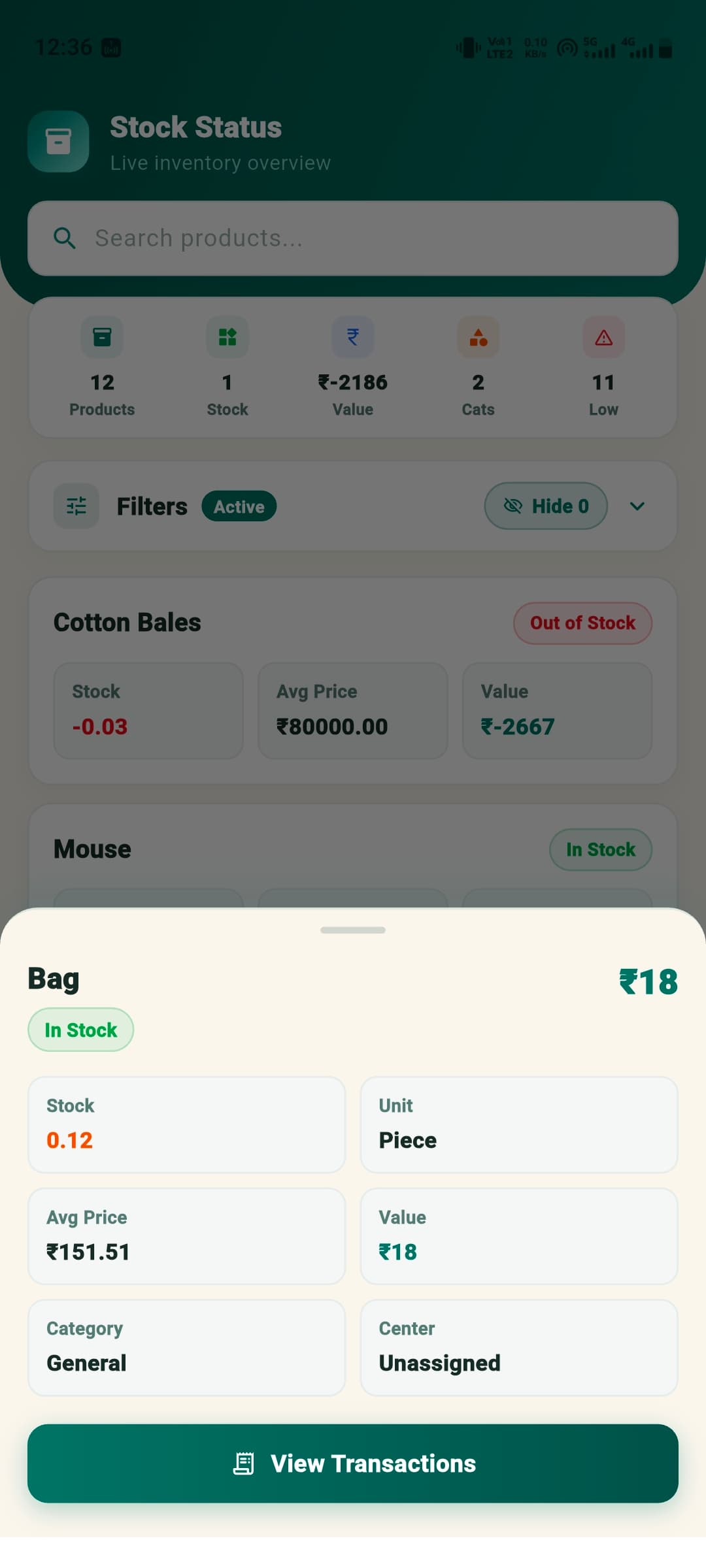
See item-wise stock movement across purchases, sales, returns, transfers, and manual adjustments.
Designed for fast scanning, clear decisions, and repeat daily inventory work.
Track every item by batch, expiry, purchase source, and movement history so stock stays traceable from entry to sale.
See available, reserved, low, excess, and out-of-stock quantities in one clean status screen built for quick decisions.
Use first-in-first-out stock flow to prioritize older batches, reduce expiry risk, and keep valuation cleaner.
Review purchase, sale, transfer, return, and adjustment activity with a complete item-wise transaction trail.
Correct physical stock differences with proper notes, reasons, and visibility for every increase or decrease.
Manage stock across shops, godowns, counters, and warehouses with location-wise availability and transfers.
Plan purchase budgets and inventory value so cash stays balanced while key products remain available.
Get timely alerts for low stock, reorder needs, expiry risk, and important stock movements before they affect sales.
Every product keeps its own quantity, value, batch, and movement story.
Know what to reorder, what to slow down, and where stock is locked.
Simple enough for counter work, detailed enough for serious inventory control.